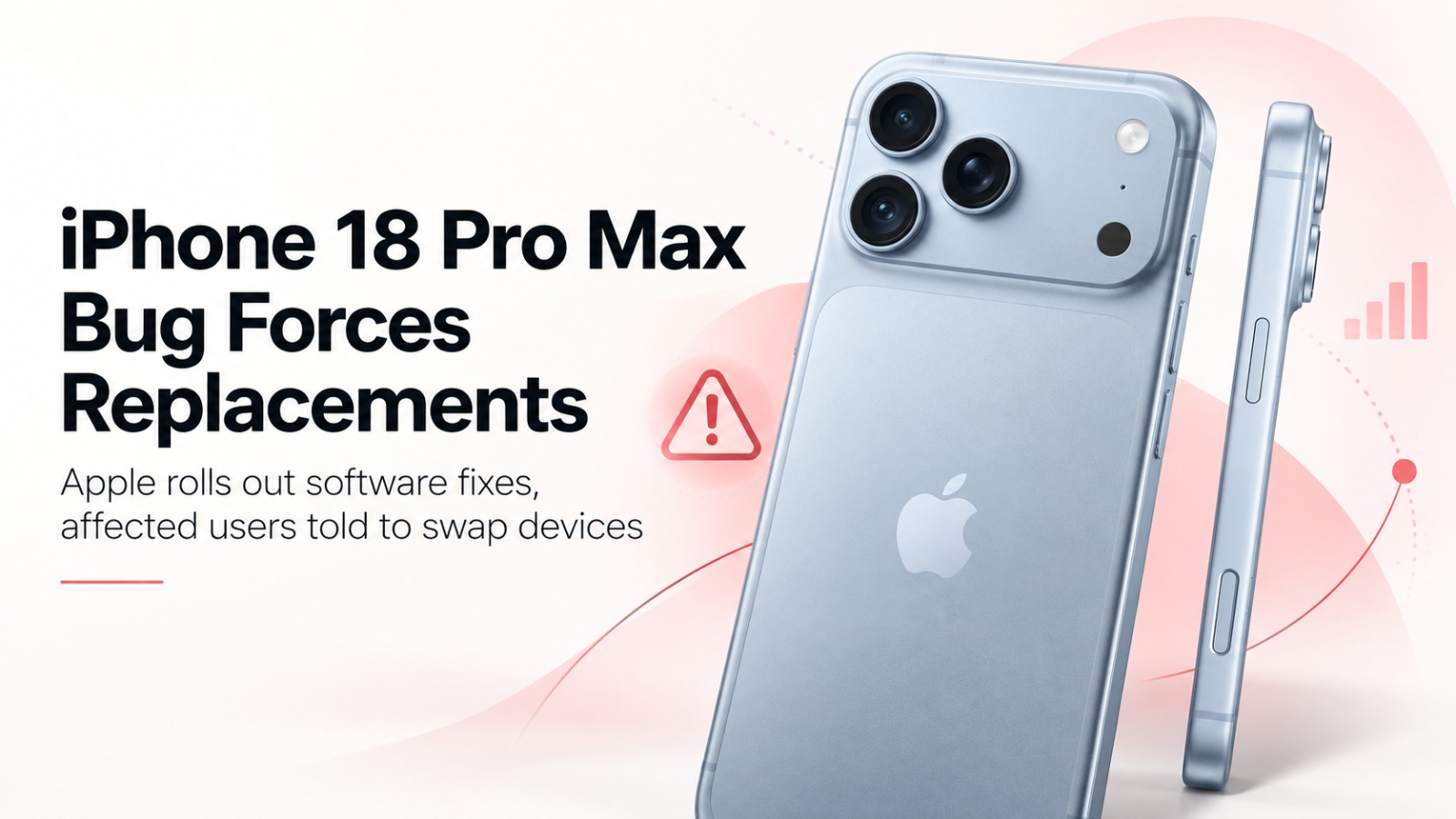
Apple is advising some iPhone 18 Pro Max users on AT&T to replace their devices after a cellular connectivity issue left affected smartphones unable to make calls, access mobile data or exchange text messages. The company has released iOS 27.0.1 and a carrier settings update to prevent further cases, but devices that have already lost network connectivity may require replacement.
The issue has emerged roughly two weeks after the $1,299 iPhone 18 Pro Max went on sale, according to Bloomberg. While Apple has characterised the problem as affecting a small number of customers, it has not disclosed the total number of devices impacted.
What makes the problem even more disturbing is that the iPhone loses connection to key cellular services, forcing the user to use only Wi-Fi to connect to the Internet and other applications.
Why Some iPhone 18 Pro Max Users May Need a Replacement
The distinction between preventing new cases and restoring already affected devices is central to Apple’s response.
Apple has introduced two updates to address the connectivity problem: iOS 27.0.1 and a separate carrier settings update for AT&T customers. Both measures are intended to stop the issue from affecting additional devices.
However, installing the available updates may not restore cellular connectivity to phones that have already encountered the malfunction. Apple and AT&T are therefore directing affected customers towards replacement units.
In a statement to Bloomberg News, an Apple spokesperson acknowledged that the issue affects a small number of iPhone 18 Pro Max devices operating on the AT&T network.
Apple has not publicly disclosed the precise technical cause of the malfunction or established whether a particular hardware component is responsible.
How to Check for the iPhone 18 Pro Max Carrier Update
Apple is advising customers to install all available software updates promptly. The AT&T carrier settings update is expected to be distributed automatically over a 14-day period.
Users can also manually check whether a carrier update is available by following these steps:
- Open the Settings application on the iPhone.
- Select General.
- Tap About and check for an available carrier settings update.
Customers should also check for iOS 27.0.1 and install it if available.
For those whose iPhone 18 Pro Max has already lost cellular connectivity because of the reported bug, updating the software alone may not resolve the problem. Such users are being advised to seek a device replacement through Apple or AT&T.
Qualcomm and Apple’s C2 Modem: A Notable Hardware Difference
The connectivity issue has also drawn attention to a hardware distinction within Apple’s latest iPhone lineup.
The US version of the iPhone 18 Pro Max uses a Qualcomm-made cellular modem, while other models, including the smaller iPhone 18 Pro, feature Apple’s internally developed C2 modem.
This difference is noteworthy because customer reports cited by Bloomberg indicate that the cellular problem appears to be confined to the iPhone 18 Pro Max operating on AT&T.
However, the presence of a Qualcomm modem does not, by itself, establish a hardware defect or identify the modem as the cause.
For Apple, the immediate challenge is ensuring that existing customers regain reliable network access while its software and carrier updates prevent additional cases.
With the carrier update being distributed over the coming days, iPhone 18 Pro Max owners using AT&T are being encouraged to keep their devices updated and pursue replacement assistance if cellular connectivity has already been lost.
Also Read: Alison Hammond Leaves This Morning Live, Shares Update After Hospital Visit