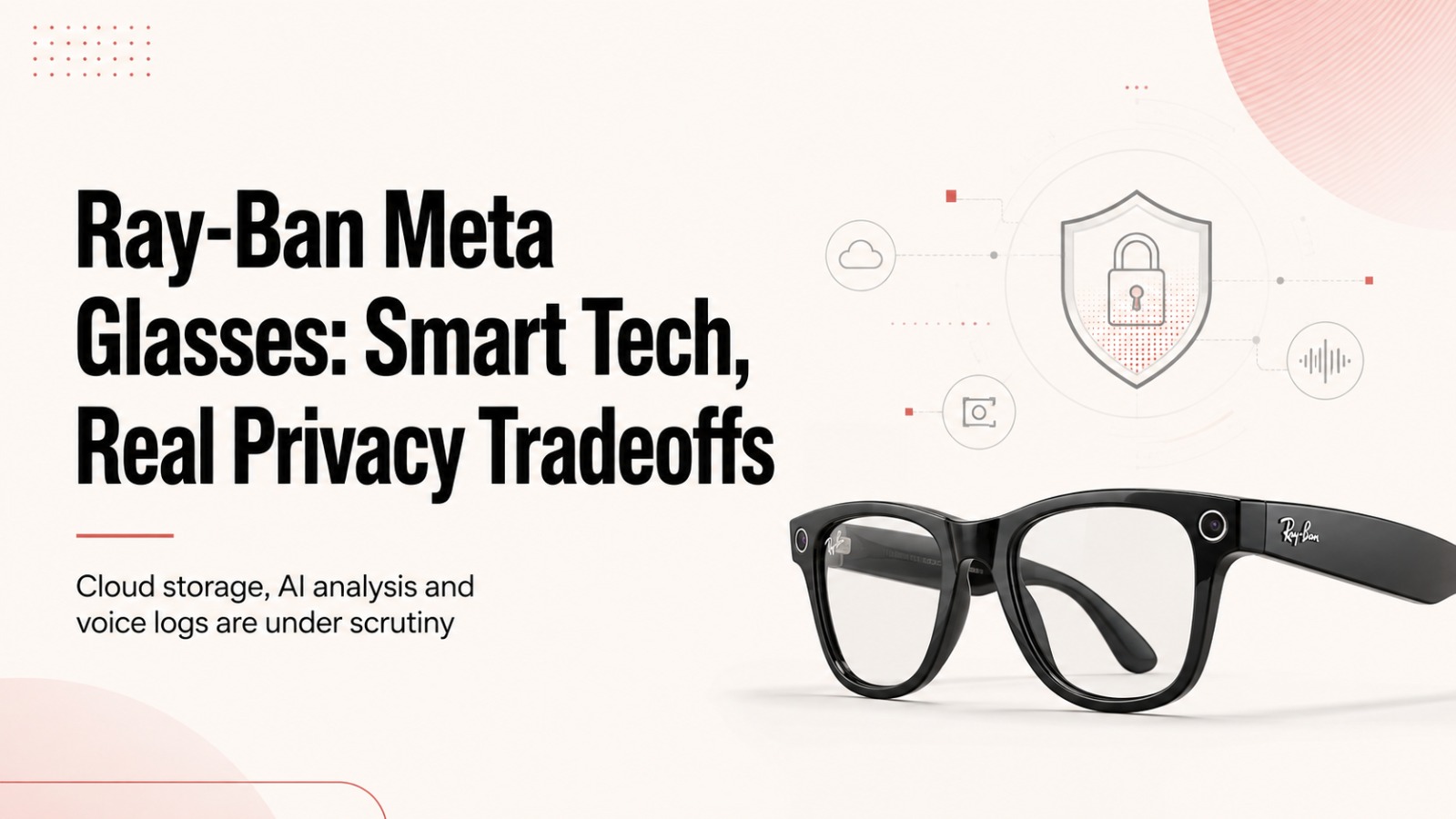
RayBan Meta glasses do not automatically send every photo or video a wearer captures to Meta, but that changes when certain cloud and AI features are used. Engadget’s Karissa Bell reported that Meta says locally captured media stays on the user’s device unless it is shared, while enabling cloud media can place those captures on Meta’s servers for 30 days.
That distinction matters because the glasses now sit at the intersection of three different kinds of data collection: ordinary camera use, cloud-connected features and Meta AI. The privacy implications are not identical across those functions, and some of the more convenient features require users to allow more information to leave the device.
Ordinary photos can stay on the glasses, but cloud features work differently
Meta told Engadget that photos and videos captured with the glasses remain on the user’s device unless the wearer chooses to share them with Meta or someone else. In other words, simply taking a picture does not, according to the company, mean Meta automatically receives it.
Cloud media introduces a different arrangement. When that optional setting is enabled, captures are automatically stored on Meta’s servers for 30 days. Meta says the feature is optional, although it is required for some functions, including sharing photos and videos with friends through voice commands and using features such as autocapture.
A user who deletes a photo or video from the gallery inside the Meta AI app will also remove it from Meta’s cloud, according to the company. Meta further says it does not use the content of users’ photos and videos for advertising or to train its AI systems, regardless of whether cloud media is switched on.
The cloud media option can be reviewed in the Meta AI app under Settings > Glasses > Glasses privacy > Cloud media.
Meta AI changes the privacy equation
The more consequential privacy trade-off begins when the wearer asks Meta AI to interpret what the glasses’ camera can see.
Features such as Live AI, or a request asking the assistant about something in front of the wearer, cause the glasses to capture an image for Meta AI to analyse. Those AI-related images are not placed in the normal camera roll, but they are stored by Meta.
Engadget also reported that third-party contractors can be involved in reviewing and labelling material shared with Meta AI as part of efforts to improve the company’s AI systems. A Meta spokesperson told the publication that contractors are sometimes used to review data and said the company takes steps to filter information to protect privacy and reduce the likelihood that identifying information is reviewed.
That creates a meaningful difference between taking a photograph with the glasses and asking the AI assistant to interpret the same scene. In the second case, information from the camera has to be processed beyond the ordinary on-device photo experience.
The issue can be particularly relevant when the glasses are used around documents containing personal information or in places where a wearer would otherwise be uncomfortable recording. Camera-based AI functions may be useful in accessibility scenarios, including for people who are blind or have low vision, but greater use of those functions also means greater exposure to Meta’s processing systems.
Voice commands are automatically recorded and transcribed
Voice interactions bring another layer of data collection.
Whenever someone speaks to Meta’s assistant through the glasses, the device records the interaction and creates a transcript that is automatically saved by Meta. Users in the United States can no longer opt out of having those recordings stored in Meta’s cloud, while users in the European Union retain an opt-out option.
Meta says both machine learning systems and trained reviewers are used to process voice recordings and transcripts. The company argues that human reviewers can help identify interactions that automated systems are likely to misunderstand and that reviewing such interactions can improve Meta AI’s accuracy.
The glasses can also record brief snippets when they mistakenly detect a wake word. Meta calls these incidents “false wakes.” According to the company, recordings and transcripts associated with detected false wakes are removed from its systems within 90 days.
Users do not have to wait for that process. Voice recordings, including intentional interactions and false wakes, can be manually reviewed and deleted through Settings > Glasses > Glasses privacy > Voice activity log in the Meta AI app.
The recording light remains another privacy concern
Privacy questions around Ray-Ban Meta glasses are not limited to the owner’s data. The glasses can also photograph or record other people.
Under normal operation, an LED indicator flashes when a photo is taken and blinks while video is being recorded. Meta has designed the camera to stop working if the light is simply covered, such as with electrical tape.
That safeguard has not ended efforts to defeat the indicator.
Instagram has also taken action against people who posted videos of themselves harassing others while using altered glasses, according to the report.
The real privacy question is which feature is being used
Calling Ray-Ban Meta glasses either entirely private or entirely exposed misses an important distinction.
A normal photo that stays on the device is treated differently from a photo placed in cloud media. A cloud-stored image is treated differently from an image sent to Meta AI for analysis. Voice commands introduce recordings and transcripts, while accidental wake-word detections have their own deletion policy.
For users, that means privacy depends heavily on how the glasses are configured and which functions are being used at a particular moment. The 30-day cloud storage window, the processing of camera-based AI requests, automatic voice transcripts and Meta’s 90-day removal period for detected false wakes all operate under separate rules.
The glasses may look like conventional eyewear, but the data flows behind them are anything but uniform. Understanding those differences is becoming just as important as knowing when the camera itself is switched on.
Also Read: iPhone 18 Pro vs 15 Pro, 16 Pro & 17 Pro: Is It Worth Upgrading?