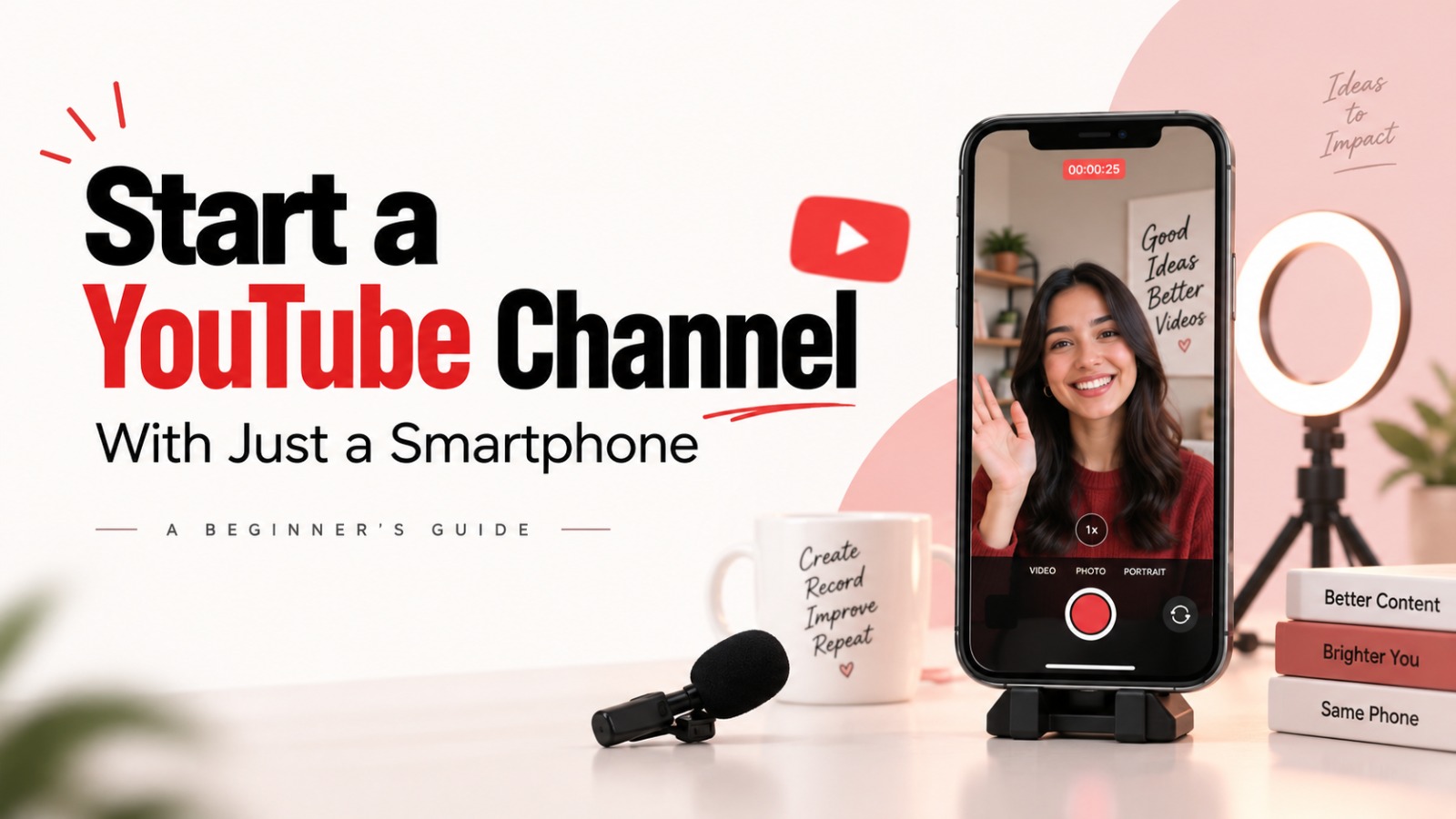
Starting a YouTube channel does not have to begin with an expensive camera, a professional microphone or a complete video-editing setup. For aspiring creators, a smartphone can be enough to take the first step into content creation.
Whether the goal is to share cooking recipes, document travel experiences or create educational videos, a mobile phone can handle several essential tasks, from recording footage to editing and uploading content.
For beginners, the real challenge is learning how to use the device effectively. From setting up a channel to improving video quality and finding the right topics, here is how to start a YouTube channel using just a smartphone.
1. Create Your YouTube Channel Using the Mobile App
The first step is setting up a YouTube channel. You do not need a computer to get started.
Open the YouTube app on your smartphone and sign in using your Google account. Tap your profile picture and look for the option to create a channel.
Choose a channel name and handle that reflect the type of content you plan to publish. You can also upload a profile picture directly from your phone’s gallery.
Once the channel is created, visit YouTube Studio through your mobile browser to access additional channel settings. Phone number verification can unlock certain YouTube features, including the ability to upload videos longer than 15 minutes and use custom thumbnails.
Completing these initial steps gives you a foundation to start publishing videos.
2. Make the Most of Your Smartphone Camera
A high-end camera is not a requirement for your first YouTube video. What matters is how you use the camera available on your phone.
Whenever possible, use the rear camera, which often offers better image quality than the front camera. Check your device’s camera settings and choose 1080p or 4K resolution, depending on what your phone supports and what suits your recording needs.
A few simple habits can also improve your footage:
- Clean your camera lens before recording.
- Use natural light whenever possible.
- Position yourself facing the light source to keep your face clearly visible.
- Keep your phone steady while recording.
A basic phone stand or tripod can help reduce unwanted movement, particularly when filming cooking tutorials, product demonstrations or videos where you need to appear on camera.
Good lighting and stable footage can make a noticeable difference without requiring a major investment.
3. Improve Audio Without Buying Expensive Equipment
Clear audio is just as important as good visuals. Viewers may struggle to follow a video if the speaker’s voice is difficult to hear, even when the footage looks good.
Beginners can start with wired earphones that have a built-in microphone or consider a budget-friendly lavalier microphone.
When recording, try to keep the microphone close to your mouth. Choose a quiet location and minimise background noise wherever possible. Turning off a fan or other noisy appliances during recording, when practical, can also help improve sound quality.
Before recording the entire video, capture a short test clip and listen to it. This simple step can help identify audio issues before you begin filming the full content.
4. Edit Your Videos Directly on Your Phone
Recording a video is only one part of content creation. Editing helps turn raw footage into a more organised and engaging final video.
Smartphone users can explore mobile editing applications such as VN Video Editor, CapCut and KineMaster. These apps offer tools that can help creators trim footage, add subtitles, arrange clips and improve transitions.
For beginners, the focus should be on keeping videos clear and easy to follow rather than adding too many effects.
Remove unnecessary pauses, keep the pacing natural and use subtitles where they help viewers understand the content. A simple, well-edited video can be more effective than one filled with distracting transitions.
5. Find Relevant Topics and Build a Consistent Schedule
Once the technical setup is ready, the next challenge is deciding what to publish.
Creators can use tools such as TubeBuddy and the vidIQ mobile app to explore keywords and identify search terms related to their content. These insights can help beginners understand what people are searching for and develop relevant video ideas.
For example, someone creating cooking content could explore specific recipe searches, while a travel creator could focus on destinations or experiences relevant to their audience.
Consistency also matters. Developing a realistic publishing schedule can help creators build a regular content habit and give them opportunities to improve with every upload.
However, the first few videos should not be treated as a test of whether a channel will succeed. They are an opportunity to learn about recording, editing, presentation and audience interests.
Your First YouTube Video Can Start With What You Already Own
Starting a YouTube channel with a smartphone makes content creation more accessible to people who do not have professional recording equipment.
A phone, basic lighting, clear audio and a suitable editing app can provide the foundation for a beginner’s channel. As creators gain experience, they can identify which areas of their setup actually need improvement.
The initial focus should be on creating useful, interesting content, learning from each upload and developing a process that is easy to maintain. A smartphone may be the only equipment needed to turn the idea of becoming a YouTube creator into a first video.
Also Read: Samsung Galaxy S27 Ultra Leaks: 7,000mAh Battery and 2nm Chip Could Be Its Biggest Upgrades