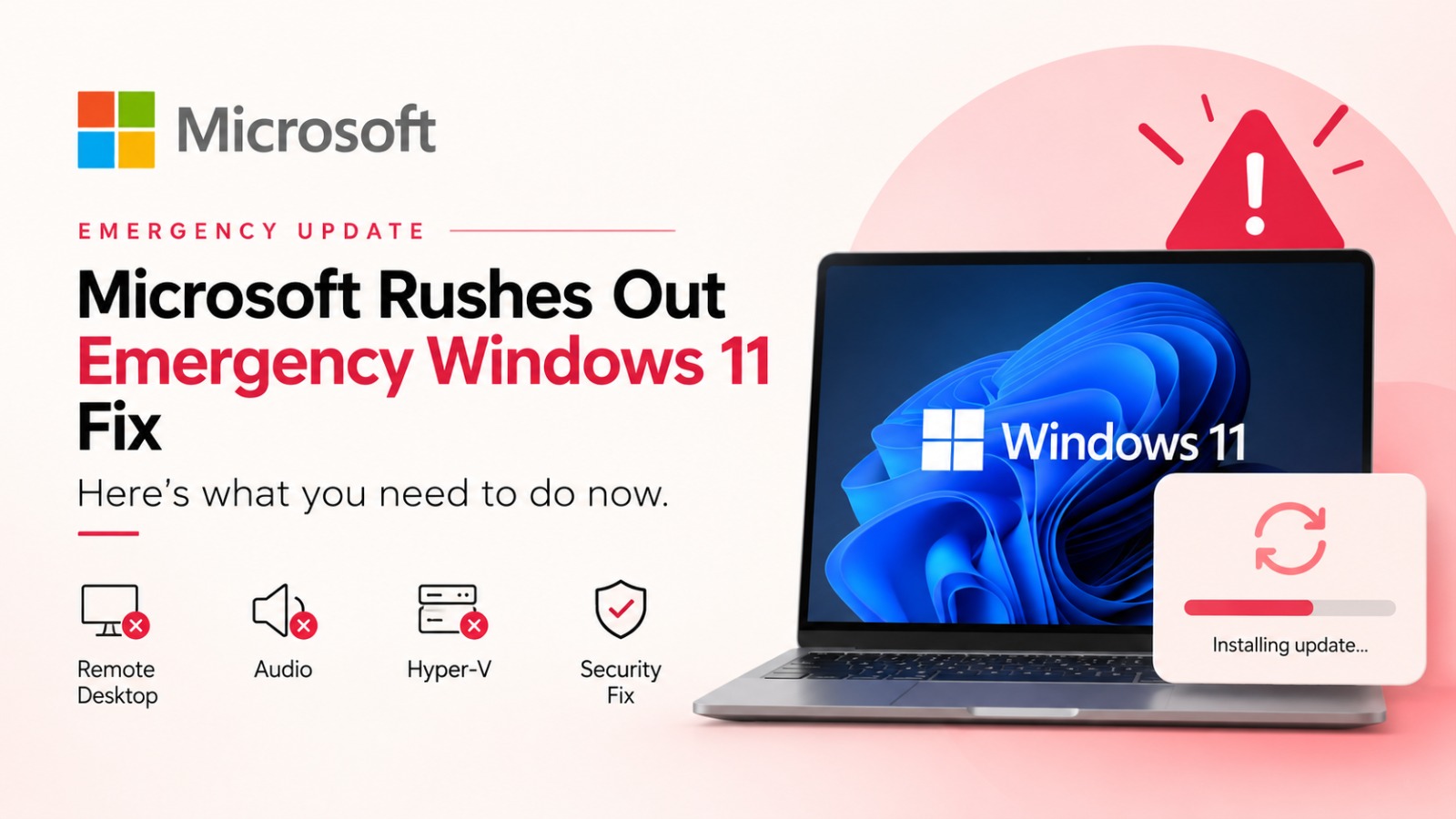
Microsoft had a rough week. Days after rolling out its regular September Patch Tuesday update, the company found itself pushing out an emergency fix to undo the damage that same update caused.
The Patch Tuesday release, KB5124008, was meant to close out more than 970 security vulnerabilities across Windows and other Microsoft products, including two zero-day flaws that were already being actively exploited. That part of the job got done. What nobody signed up for was everything that broke along the way.
What went wrong?
Once KB5124008 landed, reports started piling up fast. Remote Desktop connections began failing after a few minutes of use. Some machines got stuck at the “Please wait for the Remote Desktop Configuration” screen and never made it through sign-in.
Multichannel audio setups, the kind used for 8-channel or 3D sound, stopped working on select devices. And on systems running Hyper-V with Linux virtual machines, folder-sharing broke in a way that also knocked out compatibility for apps that lean on those shared Windows host folders.
There was also a quieter but more serious issue sitting underneath all of this: an elevation-of-privilege flaw in the Windows User-Mode Power Service, tracked as CVE-2026-62721, that the original update hadn’t fully closed.
The emergency fix
Microsoft‘s answer arrived on September 14 in the form of KB5129195, an out-of-band cumulative update for Windows 11 24H2 and 25H2, pushing those builds to 26100.9457 and 26200.9457 respectively. Windows 11 26H1 got its own companion patch, KB5129194.
You don’t really get a choice on this one, it’s rolling out automatically to everyone through Windows Update, Windows Update for Business, and WSUS. If you’d rather not wait around for it to show up on its own, you can grab it manually from the Microsoft Update Catalog. Most machines will be done in about ten minutes with a single reboot, though if you’ve got a Secure Boot certificate or firmware update pending too, expect your PC to restart more than once.
What it actually repairs? Remote Desktop is working, sharing of the Hyper-V folder is restored, multichannel audio is fixed, and the privilege escalation issue is sorted out. These are some very good fixes; however, one should not confuse that with Microsoft cleaning all their mess from the September update.
What’s still broken
AMD Radeon users are the biggest group left out in the cold. Freezes, crashes, driver timeouts, black screens, and missing display output on Radeon hardware have all been reported since the original update, and KB5129195 does not contain a dedicated fix for any of it.
File Explorer is another sore spot, particularly in enterprise environments running Citrix UPM, FSLogix, Horizon, or ProfileUnity ProfileDisks, some of these setups are seeing Explorer fail to launch entirely or crash immediately after sign-in, leaving users staring at a desktop with no taskbar. File History backups are affected in some of the same environments. A subset of USB Audio Class 1.0 devices are also still showing Code 10 errors, silent output, or volume controls stuck at zero.
None of these are listed among the fixes in KB5129195, so anyone hitting them will need to wait for a future update or, in the case of Explorer crashes, try the workaround several outlets have suggested: relaunching explorer.exe manually through Task Manager.
Should you install it?
For most people, yes, the security fix for CVE-2026-62721 alone is reason enough, on top of getting Remote Desktop and audio working again if you were affected. Just don’t expect it to be a cure-all. If you’re on AMD graphics or run one of the enterprise profile-management setups mentioned above, you may still be waiting on a separate patch.
Also Read: Tata Sons Backs N Chandrasekaran for 5 More Years