

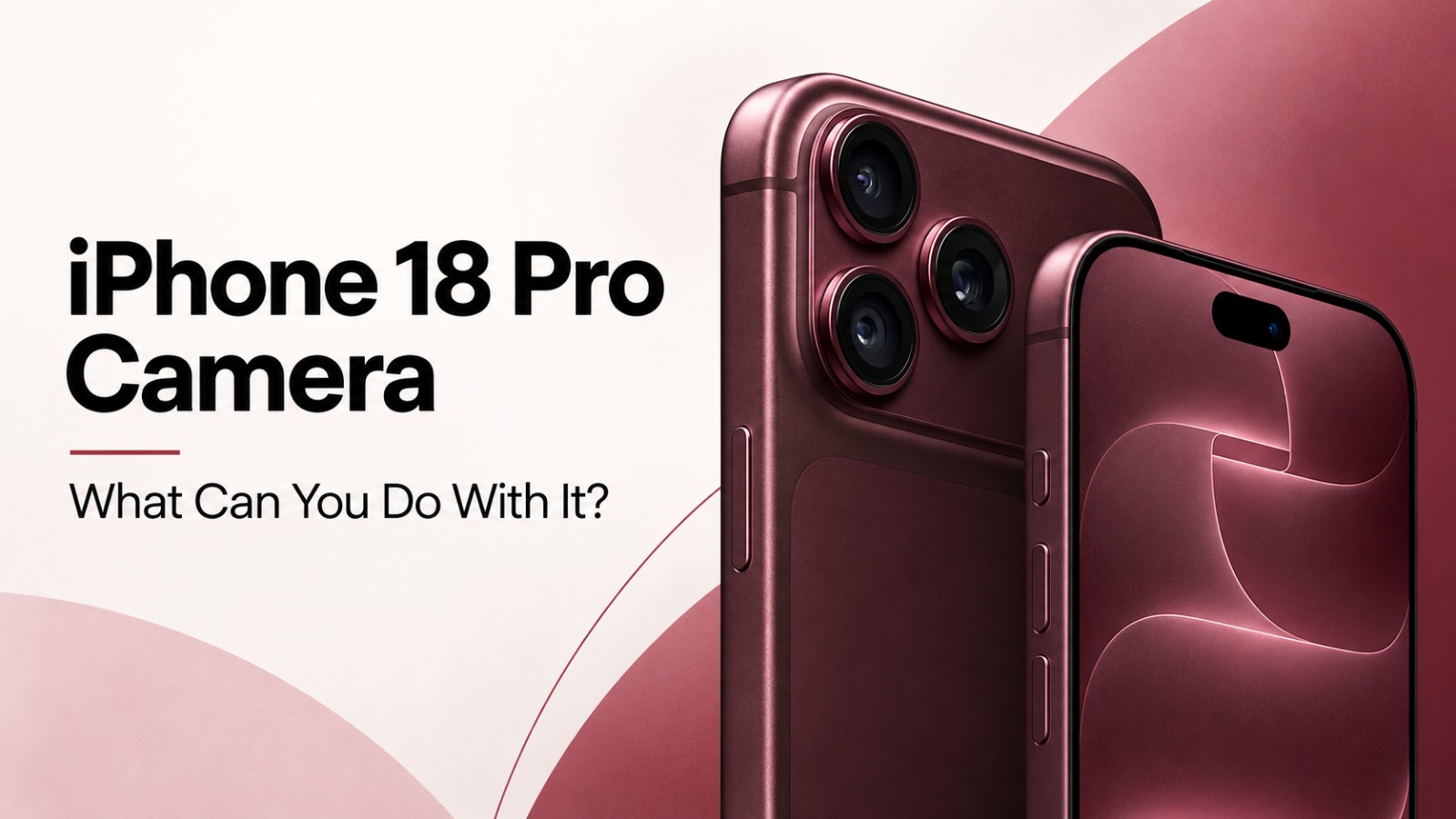
Apple’s iPhone 18 Pro camera is moving beyond the familiar point-and-shoot experience. The new Pro models introduce a physically adjustable aperture, expanded manual camera controls, improved subject tracking, new video tools and a system designed to help establish whether a photograph has been altered.
For photographers, creators and users who want more say over how an image is captured, the biggest change is not simply better image processing. It is the ability to make decisions that were previously left largely to the iPhone itself.
So, what can you actually do with the iPhone 18 Pro camera? Here is what the new camera system brings to everyday shooting.
Adjust the aperture depending on the shot you want
The headline addition is the variable aperture on the 48MP main camera.
Instead of relying on a lens opening that remains fixed, the iPhone 18 Pro and iPhone 18 Pro Max can physically change the aperture. Apple uses six thin, laser-cut blades in the mechanism, with the camera able to switch between four aperture settings depending on the lighting and the depth of field required for a photograph.
That gives users more flexibility in different situations. A wider aperture allows more light to reach the sensor and can create greater background blur, making it useful when shooting in darker environments or when the subject needs more separation from the background. A narrower aperture allows less light through but keeps more of the scene in focus, which can be useful for outdoor photographs and group shots.
Apple says the system can improve low-light photography while retaining more background detail when several people need to remain sharp in the same frame.
In practical terms, this means the camera is giving users another physical variable to work with instead of depending only on software to shape the final photograph.
Take manual control of shutter speed and white balance
Apple is also putting more photographic controls directly inside its Camera app.
A new Pro controls panel provides access to aperture settings along with shutter speed and white balance.
Shutter speed determines how much time the film or digital sensor has to capture the light. Fast shutter speed is used for freezing action, while slow shutter speed is used for creating motion blurs. With white balance, the photographer has the ability to change the color temperature in the picture.
These are familiar controls on dedicated cameras, but having them readily available in the standard iPhone Camera app changes how much of the shooting process can be decided before the shutter button is pressed.
Check exposure with a live histogram
The iPhone 18 Pro also introduces a histogram as part of its expanded camera controls.
A histogram is a graph showing how the brightness levels in an image are distributed. If most of the information is crowded toward the left side, the picture may be too dark. If it is pushed heavily toward the right, highlights may be overexposed.
For casual users, it may remain an optional tool. For photographers trying to control exposure more precisely, it provides useful information before taking the shot rather than forcing them to judge brightness entirely by what they see on the display.
Track moving subjects more easily
Photographing movement is another area Apple has addressed.
The iPhone 18 Pro includes a new AI-powered smart focus system that is designed to lock onto a moving subject and follow it through the frame. The feature is intended for situations where the subject will not remain stationary, including children, pets and other moving subjects.
For users shooting spontaneous moments, that could reduce the need to repeatedly tap the screen to re-establish focus as the subject moves.
Change the look of photos with texture and grain controls
Apple is also expanding Photographic Styles.
The feature already lets users establish a consistent visual treatment for their photographs. On the iPhone 18 Pro, it gains controls for texture and grain, adding more options for shaping the character of an image.
That makes the camera more flexible for people who want a particular aesthetic without having to wait until the image is moved into a separate editing application.
Apply Cinematic effects after recording
Video creators are getting several changes too.
Cinematic effects can now be applied after footage has been recorded, with support for video captured at up to 60 frames per second.
This gives creators more room to make decisions during editing instead of committing to every cinematic treatment while they are filming.
Time-lapse video also supports 4K resolution and Dolby Vision HDR. Apple has updated Audio Mix as well, with changes intended to produce cleaner voices and improve the separation of background music.
Together, those additions make the iPhone 18 Pro camera relevant not only for still photography but also for people producing short films, travel clips, social videos and other mobile-first content.
Capture an authenticity-focused Reference Image
One of the more unusual additions has less to do with how a photo looks and more to do with proving where it came from.
Apple Reference Image introduces a new Reference capture mode. When a photograph is taken in this mode, data from the sensor is cryptographically signed and processed through Apple’s Private Cloud Compute to create an unalterable reference version of the photograph.
That reference image appears alongside the normal photograph in the Photos app. It can then be compared with the finished image to help determine whether edits have been made. The system works alongside image metadata, while support for SynthID watermarking is also planned for identifying AI-generated or AI-edited imagery.
Apple is positioning the capability for both photojournalists and ordinary users who may want a way to establish the authenticity of a photograph at a time when manipulated imagery is becoming increasingly difficult to identify visually.
The iPhone 18 Pro camera is becoming more hands-on
The broader change is easy to see. Apple is giving users more control at the moment of capture.
The iPhone 18 Pro can automatically handle aperture and image processing when users want a simple experience. But those who want more involvement can now adjust the aperture, shutter speed and white balance, watch exposure through a histogram, customise photographic styles and make more deliberate choices about how images and videos are captured.
That makes the camera upgrade less about one headline specification and more about expanding what photographers and creators can do without leaving the iPhone’s native camera experience.
For everyday users, the phone can still handle most decisions automatically. For people who want to experiment, the iPhone 18 Pro provides considerably more room to take control of the final result.
Also Read: iOS 27 Best Features: Siri AI, Smarter Photos, Safari Upgrades and a Better Liquid Glass Experience